
Reader Manager
Home gives you two tiles, Doppelgänger Core and Doppelgänger Stealth, and each opens the reader list filtered to that family. That is the right view when you are working one reader.
It is the wrong view the moment you have several out. A Core on a fence, a Core in a bag and a decoy on a wall are three plants on one job, and checking them means three taps through two tiles.
Reader Manager is the same screen with the filter off. Every reader, both families, one list.
Getting to it
Section titled “Getting to it”Settings, then READERS & DEVICES, then Reader Manager, subtitled Manage Core & Stealth devices.
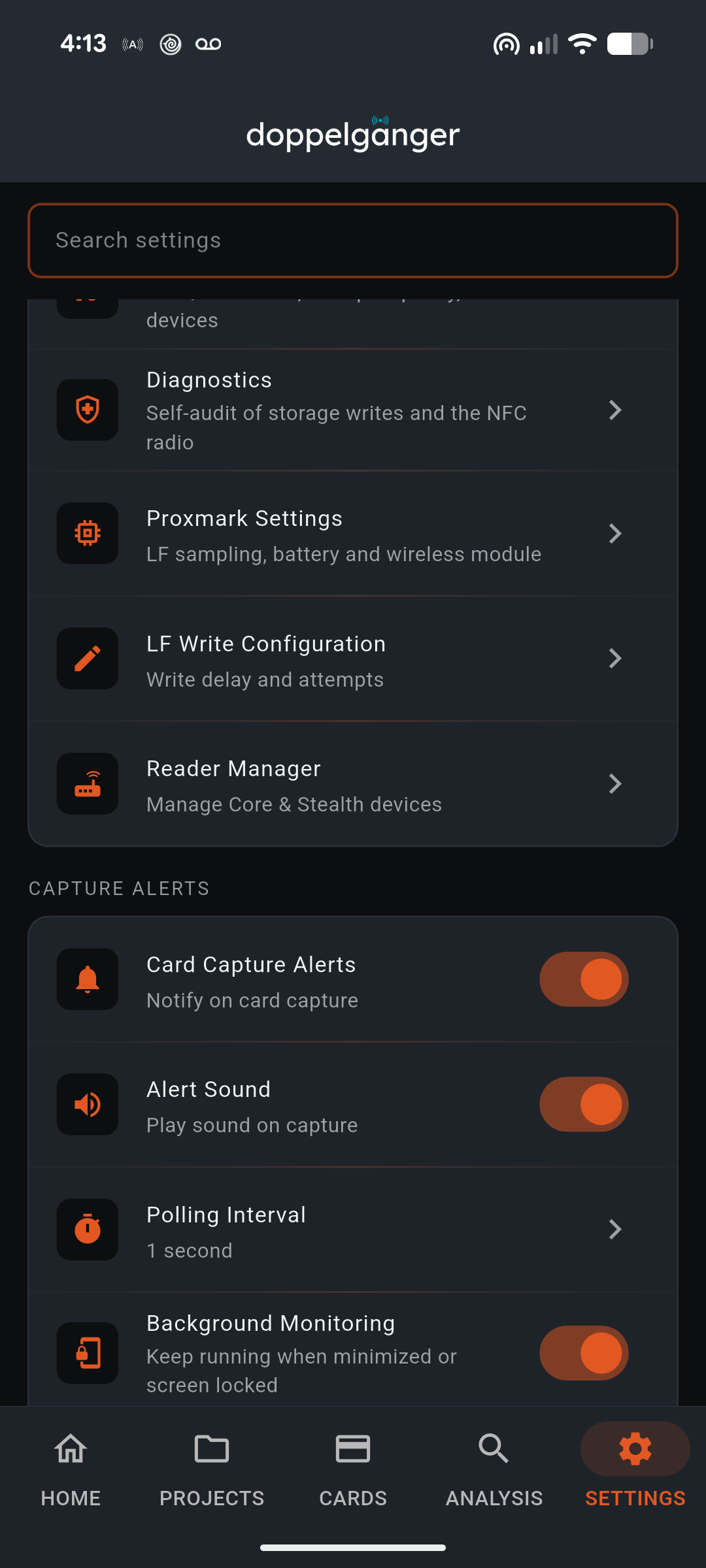
- LF Write Configuration, the row above it.
- Reader Manager, Manage Core and Stealth devices.
- CAPTURE ALERTS, the next group.
- Card Capture Alerts, which is what a reader's reads raise.
It is also a Home shortcut. Add Reader Manager to Quick Actions and it is one tap from Home, which is worth doing on a job with more than one plant. See Quick actions.
| Route | What you get |
|---|---|
| Settings, Reader Manager | every reader, both families |
| The Reader Manager Home shortcut | the same, one tap from Home |
| Home, Doppelgänger Core | Cores only |
| Home, Doppelgänger Stealth | Stealths only |
The combined list
Section titled “The combined list”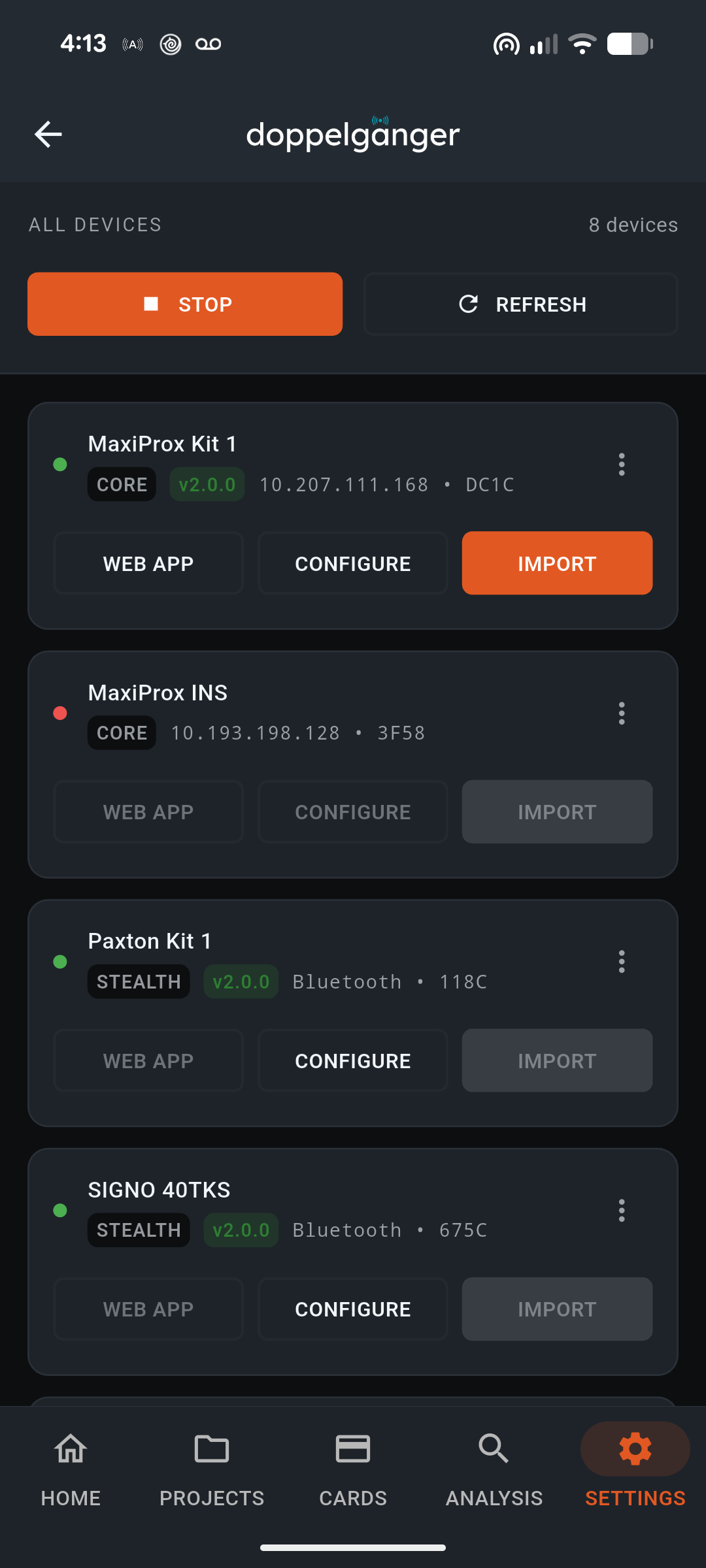
- ALL DEVICES, 8 devices. Both families in one list.
- STOP and REFRESH, the same controls as a filtered list.
- MaxiProx Kit 1, a CORE on the hotspot, with its address.
- MaxiProx INS, a Core that is not answering.
- Paxton Kit 1, a STEALTH on Bluetooth.
- SIGNO 40TKS, a second STEALTH on Bluetooth at the same time.
The header reads ALL DEVICES and a device count instead of a family name. Everything below it is identical to the filtered views, so the controls, the naming, the import and the configure screens are all documented where you use them.
- Longrange readers: Capturing and importing and Configuration and reset
- Decoy readers: Capturing and importing and Configuration and reset